
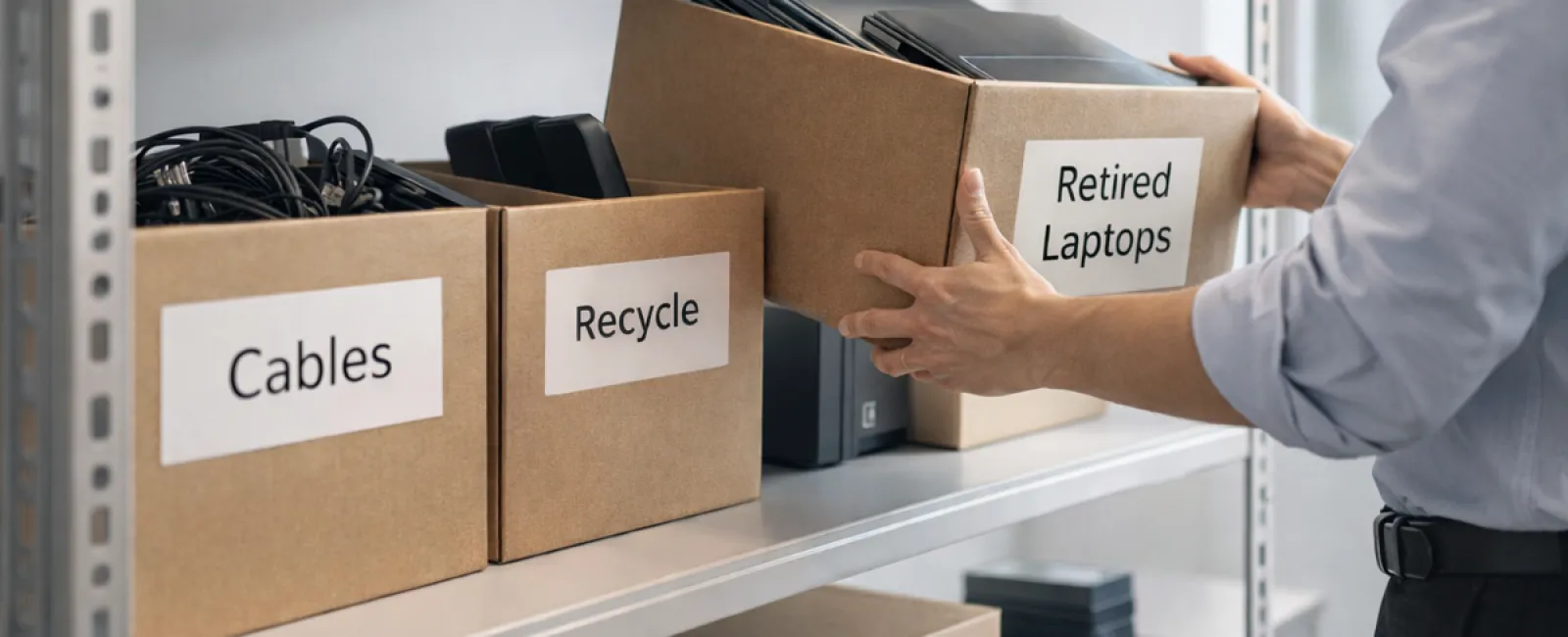
While spring cleaning often means tidying up closets, most businesses struggle with clutter far beyond a clothing rack.
It might be piled on server racks, stashed in storage rooms, tucked away in back offices, or even gathered in "deal with later" heaps.
Outdated laptops. Obsolete printers. Backup drives from years ago. Boxes of unpopular cables kept around "just in case."
Every company accumulates these overlooked assets.
The real question is not whether they exist, but whether you have a clear strategy for managing them.
Technology Follows a Lifecycle — Beyond Just When You Buy It
New equipment purchases are usually driven by clear benefits: improved speed, enhanced security, expanded capabilities, or scalability.
Many organizations plan carefully for technology acquisitions, yet neglect planning for their retirement.
Typically, retiring tech happens quietly: a device is replaced, set aside, then forgotten until someone clears space.
This is commonplace.
What's rare is approaching technology retirement with the same thoughtfulness as the purchase.
Even old devices hold resale value, recyclable parts, and potentially sensitive data. If ignored, they can weigh down operations by occupying space and distracting attention.
Spring is the perfect moment to reflect: what's still valuable versus what's just clutter?
Effective Strategy to Declutter Your Technology
Turn your spring cleaning from a vague intention into action with our straightforward, four-step method.
Step 1: Take Stock
Identify exactly what equipment is due for retirement—be it laptops, phones, printers, network tools, or external drives. You can't manage what you haven't recognized, and a thorough review often uncovers surprising finds.
Step 2: Choose the Right Path
Devices typically fall into reuse (internal or donation), recycling (certified e-waste programs), or destruction (for sensitive data). The crucial point is to decide intentionally, preventing hardware from languishing forgotten.
Step 3: Proper Preparation
This step demands careful attention.
For reuse or donation, remove devices from management systems, revoke access, and securely erase data—mere factory resets don't suffice. Deleting or quick formatting doesn't eliminate data; it only hides it.
According to data security firm Blancco, 42% of drives resold on eBay still contained sensitive information despite sellers claiming they were wiped. Certified data erasure tools overwrite all data sectors and provide verification reports.
For recycling, always choose certified e-waste recyclers, not dumpsters or curbside bins. For businesses, programs like Best Buy's recycling are not suitable; instead, seek IT asset disposition (ITAD) providers or certified e-waste recyclers with e-Stewards or R2 certifications. Your IT team can assist.
To destroy equipment, use certified data wiping or physical destruction methods such as shredding or degaussing, and document device details, method used, date, and responsible personnel.
This is about securing your data and closing the loop responsibly.
Step 4: Document and Finalize
Once equipment leaves your premises, track its destination, treatment, and confirm access removal. Documentation removes uncertainty and strengthens compliance.
Devices Commonly Overlooked
Laptops get the spotlight, but other devices deserve attention too.
Phones and Tablets may retain email accounts, contacts, and authentication apps. Factory resets cover most data, but certified mobile wipe tools offer a deeper cleanse. Major brands provide trade-in programs, often with credit towards new devices.
Printers and Copiers often include hard drives storing every printed, scanned, or faxed document. When returning leased machines, ensure in writing the internal drives will be wiped or removed before reuse.
Batteries are considered hazardous by the EPA, and in many states, business disposal of rechargeable batteries in trash is illegal. Remove batteries when possible, secure terminals to avoid shorts, and recycle via certified drop-off points. Call2Recycle.org maps locations, and stores like Staples and Home Depot accept these.
External Drives and Retired Servers often gather dust in closets longer than expected. Treat them with the same care and retirement process as other devices.
Recycle Right This Earth Day
Earth Day in April is a timely reminder that electronics belong out of landfills.
Globally, over 62 million metric tons of e-waste are generated annually, with only 22% properly recycled. Components like batteries, screens, and circuit boards must enter certified recycling programs available in most communities.
Proper equipment retirement supports operational efficiency, environmental responsibility, and strategic goals. You don't have to choose between security and sustainability—you can achieve both.
Proper tech disposal also fosters positive brand perception quietly. Customers notice when companies manage responsibilities authentically without grandstanding.
Unlocking a Greater Possibility
Spring cleaning isn't just about removal—it's about creating room for progress.
Clearing outdated technology is just one part. While assessing hardware, seize the opportunity to ask: Does our technology truly empower how we operate?
Hardware cycles out, but software, automation, and processes drive productivity and profits today.
Managing equipment retirement is good housekeeping; aligning technology with business goals propels growth.
Your Partner in Technology Management
If you already have a streamlined equipment retirement routine, that's ideal—this should feel effortless and consistent.
But when replacing hardware responsibly, consider the bigger picture: Are your systems efficient? Do your tools integrate well? Is your technology fostering growth or merely maintaining status quo?
If you want an honest evaluation of your tech stack, systems, and workflows to boost efficiency and profitability, we're ready to talk.
No heavy sales pitch or checklists—just practical insights on optimizing technology for your business success.
Click here or give us a call at 816-238-3777 to schedule your free 15-Minute Discovery Call.
Feel free to share this advice with fellow business leaders who might benefit.
Don't limit spring cleaning to closets alone; include the vital systems powering your company.